Interactive Kiosk Development: What Custom Kiosk Software Should Do

Custom kiosk software is a program that an interactive kiosk development company builds to run a self-service terminal for a specific business, usually around how that business works. It powers the touchscreen that allows customers to browse options and make payments. It also connects the kiosk to the business’s CRM, payment system, and cloud platform behind the scenes.
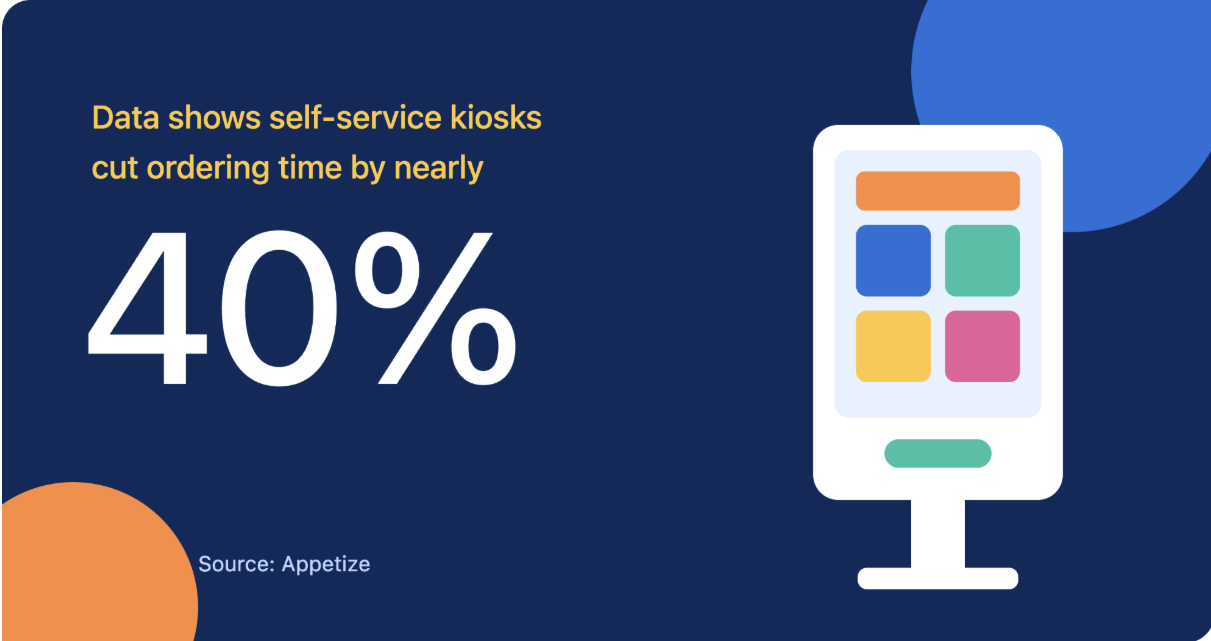
Whether it is letting customers check products on a screen in a store, helping people find directions in a mall, or allowing customers to order and pay for their meals at a restaurant, each kiosk needs software designed for its purpose. In busy service settings, self-service kiosks have been found to cut ordering time by nearly 40%.
However, a kiosk is only as good as the software running on it. That is why businesses work with an interactive kiosk development company to build kiosk software around their needs.
In this article, we will cover how custom kiosk software improves customer interactions and which features it should include.
Why Businesses Need an Interactive Kiosk Development Company
An interactive kiosk development company covers the entire software development process. This includes designing how the screens look and work, connecting the software to your payment, CRM, and cloud systems, testing the kiosk before launch and providing technical support afterwards.
All of this needs to be handled by experts, because only an experienced team knows where these kiosks usually fail. It could be the screen freezing during heavy use, a payment not going through, or the connection dropping in the middle of an order. They have seen these problems before, so they know when they are likely to happen and how to fix them.
A good development team builds kiosk software that works reliably in high-traffic public spaces. It runs on the major operating systems, so businesses can choose the hardware that fits their needs.
Even after launch, they provide interactive kiosk services like technical support and maintenance. When something goes wrong, it gets fixed quickly, so your business doesn’t lose customers because of a failed system.
How Custom Kiosk Software Improves Customer Interactions
Good kiosk software changes how customers experience a business. Here are some ways it helps.
Faster Service
Customers don’t have to wait at a counter for a staff member to attend to them. They can order, pay, or check in on their own, and several people can be served all at once. This means shorter queues during busy hours and smoother operations for your business.
Easier Access to Information
An interactive information kiosk helps customers find answers when they need them. They can look up directions to a particular store in a large shopping mall or check details like opening hours or prices right on the screen. This saves them time from searching for staff members to ask.
Better Product Discovery
Customers can browse products on screen, compare options, and check details before making a choice. As a result, they feel more confident about what they buy and purchases happen faster.
Instant Customer Feedback
Kiosks also let customers rate their experience right after a visit. Since it only takes a few taps, more people respond, and the business gets honest feedback it can act on.
Interactive Ads and Promotions
Businesses can show interactive ads and promotions to customers through their kiosks. Customers can tap to explore offers, claim discounts, and learn more about products. The business can also track how many people engage with each campaign and see which offers work best.
Personalized Experiences
When the kiosk is connected to a CRM, it can recognize returning customers. It can then show them offers or products based on what they bought before. Customers feel noticed, and that keeps them coming back.
What Features Custom Kiosk Software Should Include
Here are the key features good interactive kiosk software should have:
| Feature | How it helps customers | How it helps the business |
|---|---|---|
| Touchscreen interface | Easy to use, even on the first try | Fewer abandoned sessions |
| Payment integration | Pay with their preferred method | More and faster transactions with less staff effort |
| Real-time inventory sync | See what’s in stock and the current prices | Fewer refunds due to out-of-stock orders |
| Receipt handling | Choose a printed or digital receipt | Clear records of every purchase |
| Multi-platform support | Smooth experience on any kiosk screen | Can use existing or lower-cost hardware |
| POS integration | Orders go through without delays | All sales recorded in one system |
| Security safeguards | Personal and payment details are kept safe | Lower risk of data breaches |
A business may not need to implement every feature. For example, a small store may only need payment integration and a simple interface, while a large mall may need real-time updates across many screens.
If you are having a hard time deciding which features your business actually needs, a good development team will help you figure that out before development begins.
How Kiosk Software Gets Built
Most kiosk projects follow a clear six-step process:
- Requirement discovery: The team studies your customers’ behavior, the most suitable location for the kiosk, and your business goals before any building starts.
- UI/UX design: They design screens that are simple, clear, and easy for first-time users.
- Development: The software is built and connected to your payment, POS, and other existing systems.
- Testing: The kiosk is tested under real conditions to see if there are any issues before deployment.
- Deployment: The kiosk is installed and goes live in your location.
- Support and maintenance: After launch, the team keeps the software updated and fixes issues quickly.
Conclusion
Choosing the right interactive kiosk development company is crucial when building custom kiosk software. It decides whether the kiosk serves the purpose it was meant for, which includes keeping service fast, giving accurate information, and securing payments.
That is why the right team matters. They help you figure out the software that fits your business, test it properly, and provide technical support and maintenance after launch.